WhatsApp account health: a 10-point checklist for high-volume senders
A practical checklist of habits that keep your WhatsApp number healthy when you are sending personalized campaigns — covering daily limits, content quality, and recipient hygiene.
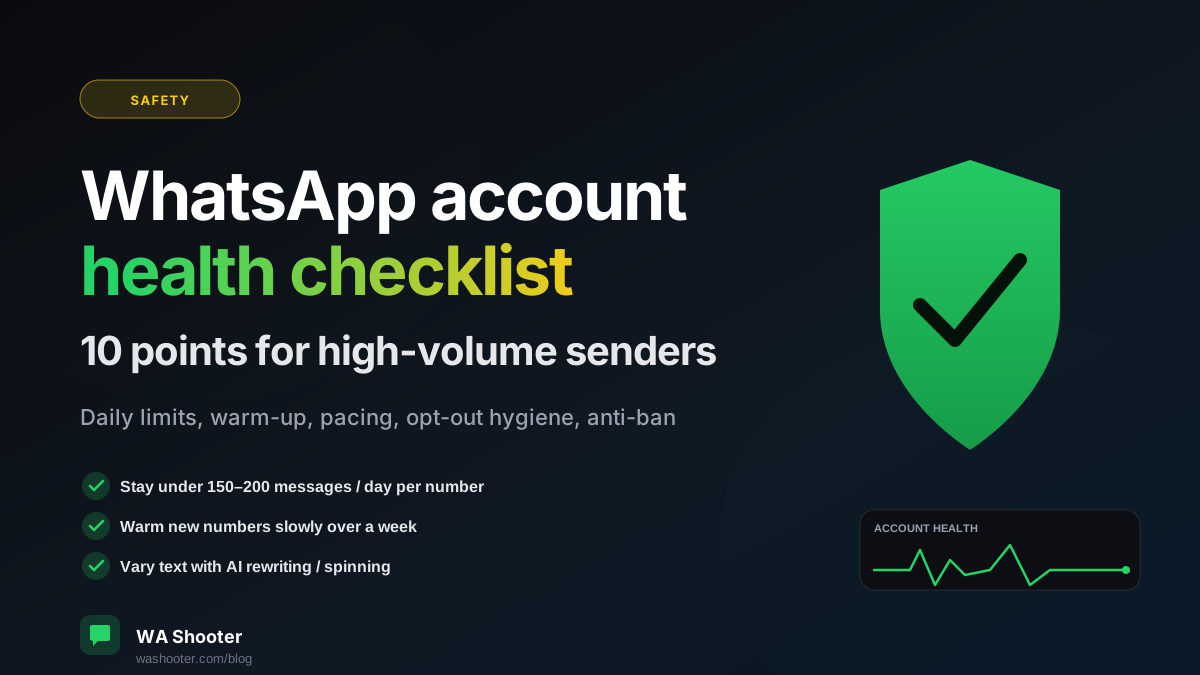
A healthy WhatsApp number is a quiet number. The platform's anti-abuse systems are not looking for any single rule violation — they are looking for patterns. The checklist below is what we have seen separates accounts that stay healthy for years from accounts that flame out in a week.
The 10-point checklist
- Stay under 150–200 messages per day per number. The exact limit shifts; staying clearly below it is the point.
- Warm up new numbers. A 2-day-old SIM sending 200 messages on day one looks exactly like a spambot. Send 20 messages on day one, 40 on day two, scale gradually over a week.
- Vary your message text. 800 identical messages all sent within an hour is a near-certain trigger. Use the AI rewriting / spinning feature so each contact gets a slightly different version.
- Use natural pacing. Default WA Shooter delays are calibrated to mimic typing speed; do not crank them down to "as fast as possible".
- Respect opt-outs immediately. If someone says STOP, remove them from every list, not just this campaign.
- Reply to replies. A WhatsApp number that sends but never receives looks broadcast-only. Numbers that have actual conversations look healthy.
- Avoid link-heavy messages. Especially shortened links — bit.ly, tinyurl. They get pattern-matched. Use full URLs to your own domain.
- No attachments on cold contacts. Sending a PDF to someone who has never spoken to you is a red flag. Save attachments for replies or warmed contacts.
- Validate numbers before sending. Bouncing off a lot of disconnected numbers in one batch hurts your sender reputation.
- If a number gets restricted, give it space. Do not switch SIMs and resume; that pattern gets tracked too. Rest the number for a week and resume at half the previous volume.
What to do if you get a warning
WhatsApp typically gives you one or two warnings before a hard restriction. If you see one:
- Stop sending immediately for at least 24 hours.
- Audit your last campaign for any of the 10 points above.
- When you resume, drop daily volume to 50% for a week before climbing back.
WA Shooter's role in this
The defaults in WA Shooter are tuned around this checklist — natural pacing, opt-out tracking, AI variation, number validation, per-number reports. None of it overrides the checklist; you still own the decisions. But if you leave the defaults on, you are already doing about half of this list automatically.
Try WA Shooter on your own contact list
Install the Chrome extension and send your first personalized campaign in under five minutes — free trial included.